
Fix Murena Workspace sync after /e/OS update
EditMurena Workspace sync doesn’t work for Murena Workspace account setup on /e/OS v.1.15. This issue mostly affects those who received a new device with /e/OS v1.15 pre-installed.
Solution - Log out and log in
Luckily, the solution to this issue is to just log out and log in to your Murena Workspace account after you upgrade /e/OS from v1.15 to v1.16. So, just log out and log back in to your Murena Workspace account if you are unsure about why cloud sync is not working.
Steps to Log out and log in
Follow the steps below to log out and log in to your Murena Workspace account:
- Open
System settings
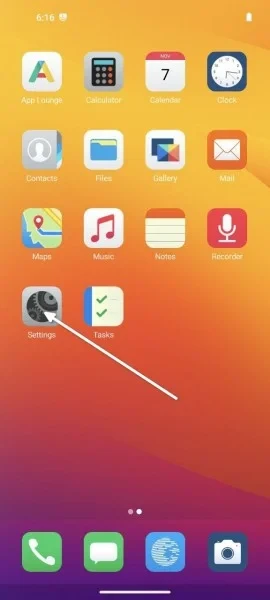
- Scroll down to find the
Accountsmenu
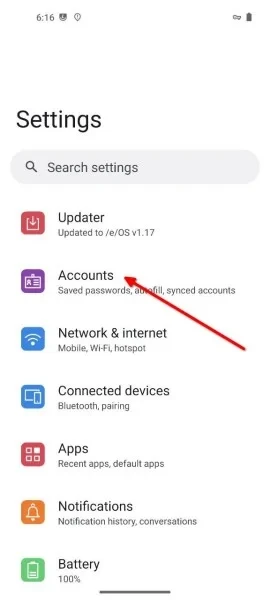
- In the
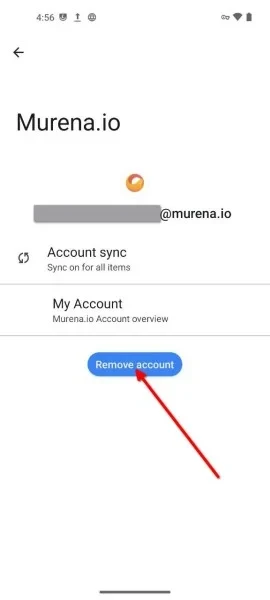
Accountsmenu tap on your Murena Workspace account

- Tap
Remove account, after which you will be taken back to theAccountsmenu
- Tap on
+ Add account

- Select
Murena accountand follow the log in process.
